
Integrations
GNOME Shell extension
You can install the GNOME extension for Shlink from extensions.gnome.org or any Software Center application that supports installing GNOME Shell extensions.
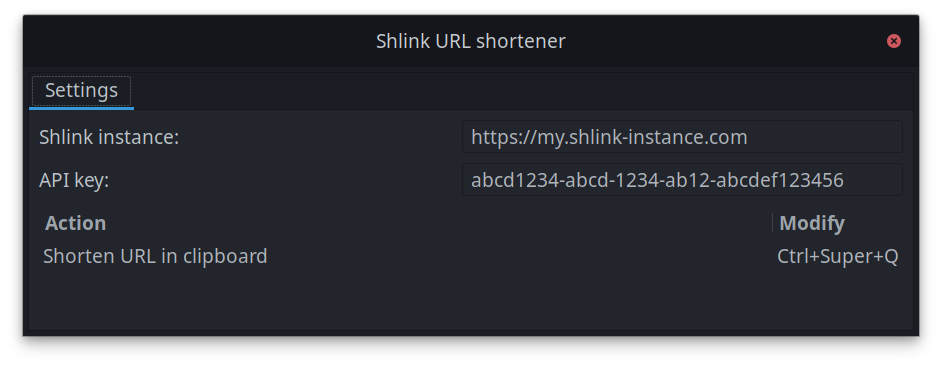
Usage is pretty straightforward: Once you’ve set up your Shlink instance URL and API key in the extension settings,
you can copy a URL and press Ctrl+Super+Q (or your custom keyboard shortcut) to shorten the URL in clipboard.
Your desktop will show a notification on success or error.